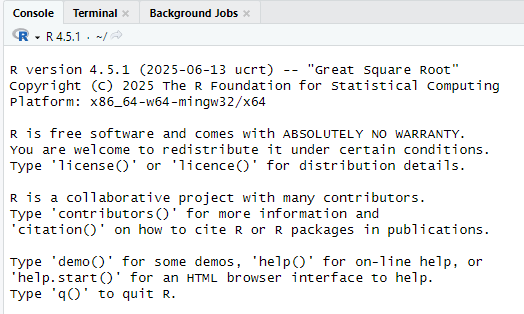
Introduction
This article is for installing R if it has not been installed before and for updating R if this is needed. If R is already installed, skip the installation chapter.
Installation of R
R is installed from softwareshoppen which is found at the desktop. Click “installer” and “bestil” and wait for 10 to 15 minutes.
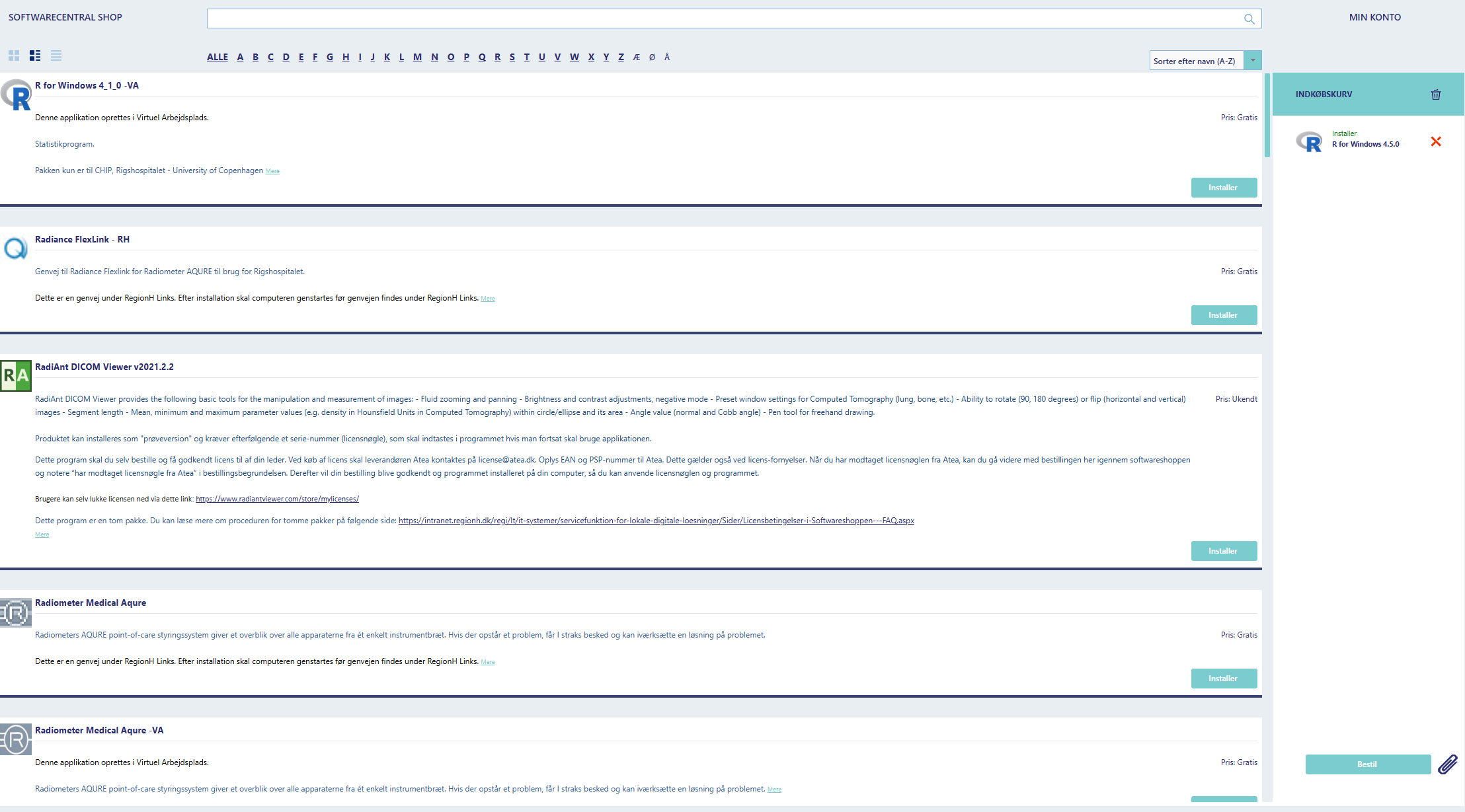
After the instillation of R, we also need to install R-studio and wait again.

Update R
R can be updated directly in R, as softwareshoppen is not always up-to-date. This requires a specific package called “installr”. The installation needs to be run directly from R and not R-studio.

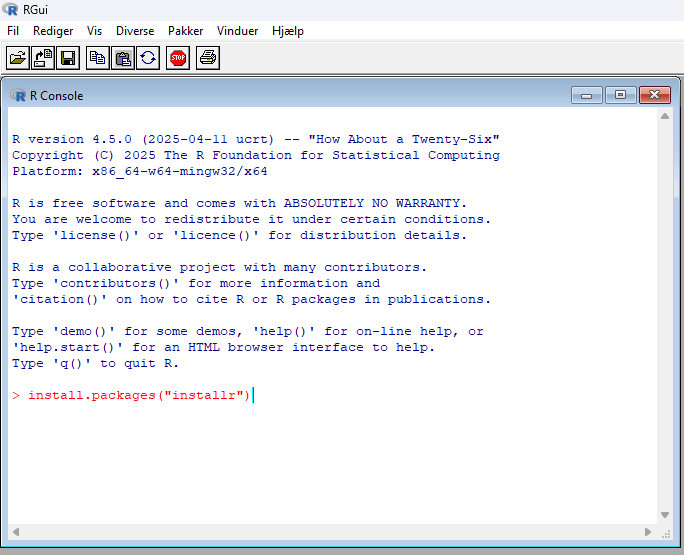
Step 3
Once the package has been installed, use the function “updateR()” by typing installr::updateR()
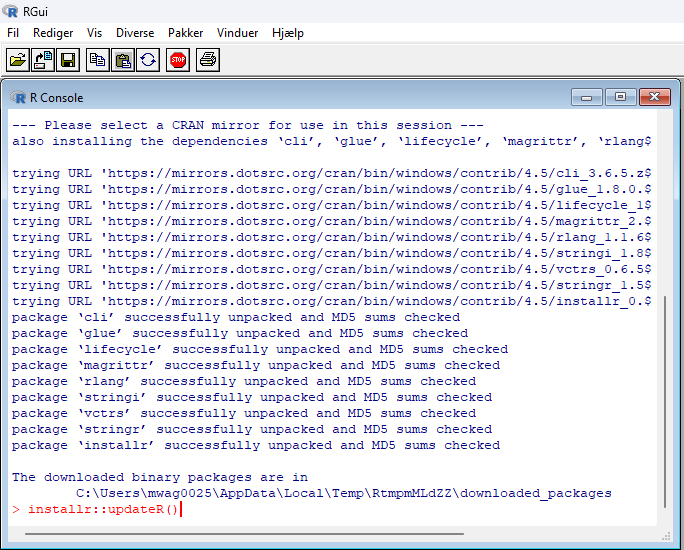
Step 4
Follow the installation process by clicking next and ok to all boxes.
When the installation is complete, close R and open Rstudio.